Why Your Business Data Storage Strategy Is Probably Overdue for a Rethink
Most South African businesses have a data storage problem that isn't visible at the outset. When it comes to how data is handled, it is often assumed that a simple cloud storage subscription, an accessible shared device, or backups that run in the background without frequent monitoring are enough.
Whether you're managing a 12-person business from home or a national manufacturing group that runs 24/7, data storage should be a non-negotiable operational foundation, rather than something you only think about when a server crashes or something goes wrong.
Are you interested in understanding how modern data storage can work for you instead of compromising your workspace? In this article, our Daisy team explore why it matters, what to look for in a solution, and where your weak points may lie. We've also shared data backup strategies for ensuring data integrity and recovery.
Let's Put the Numbers in Perspective
About 402 million terabytes of data are being generated every single day across the world. Your business is part of that number, whether you're managing it deliberately or not. Customer records, transaction logs, security footage, email archives, server backups: these compound quietly, faster than most infrastructure was ever designed to handle, until the day something fails and you realise exactly how much you were sitting on.
The global figure is a lot to take in, but 221 zettabytes doesn't go down with your business if something fails - your data does. What you should be thinking about is the rate at which your own data is growing.
What is (and isn't) Business Data Storage?
To put it simply, data storage refers to the systems and infrastructure used to save, organise, protect, and retrieve digital information. In 2026, simply calling it "data storage" almost undermines the significance of what a well-designed system should do for your business.
Your data storage environment should handle:
- Data Backup & Recovery in a way that allows for minimal downtime if something goes wrong. Human error, cyberattacks, and hardware or power failure can all result in lost data.
- Data Protection to encrypt, secure, and control access to sensitive business information of either customers or staff.
- Compliance with the legal obligations under POPIA and other relevant industry regulations.
- Scalability so that your data storage accommodates your business's growing needs and doesn't have to be replaced every 3 years.
So, what is not considered business storage data? A USB drive being passed around, a single cloud subscription without any backup, or a RAID array that hasn't been tested since installation. These common approaches create a false sense of security.
The Main Types of Data Storage
We will outline the three core storage architectures that most South African businesses utilise. They each have their own benefits, and choosing the right fit for your company depends on its size, the industry you operate in, associated risk tolerance, and the volume of data. Daisy Business Solutions offers data storage solutions and compliance for South African SMEs.
Direct-Attached Storage (DAS)
A storage device connected directly to a device or server is known as direct storage (sometimes called DAS). This is the most straightforward storage, in the form of hard drives, solid-state drives (SSDs), USB flash drives, and tape drives.
When it comes to simplicity and affordability, these devices make sense, but there are limitations. Whatever is stored is tied to one machine that can't be shared across organisations. While it's smart to use DAS as part of a broader backup strategy (keeping a local copy of important data), we wouldn't recommend using it as your only layer.
Network-Based Storage (NAS or SAN)
Network-Attached Storage (NAS) connects to your business network, giving multiple users and devices access to shared files. Think of this as the equivalent of an on-premises shared drive, which allows teams to collaborate on documents, access shared media, or run local backups. NAS devices are widely used by small to medium businesses, striking a reasonable balance between cost and functionality.
Storage Area Networks (SANs) are higher-performance and enterprise-grade. They operate on dedicated, high-speed networks and are typically used by larger organisations that need extremely fast access to large blocks of data - think financial services, healthcare, or large-scale manufacturers. SANs are more complex to set up and manage but benefit those seeking consistently high-speed data access.
Cloud Storage
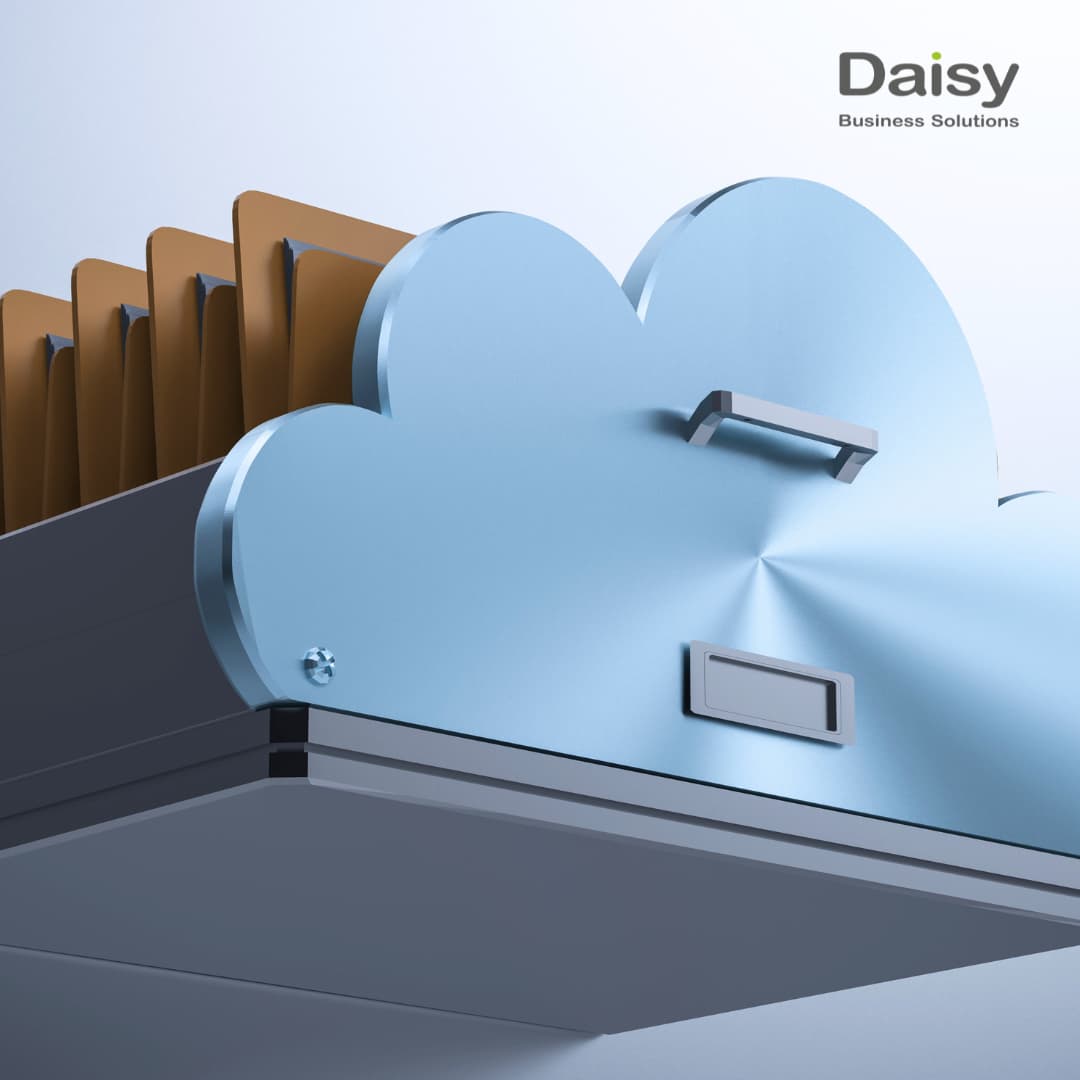
Cloud storage has become the default starting point for any conversation a modern business has about data, and for good reason. It removes the stress of managing physical hardware, scales on demand, and makes data accessible from anywhere with an internet connection. For South African businesses dealing with power instability and distributed workforces, cloud storage removes some obvious vulnerabilities.
At the same time, cloud storage isn't a one-size-fits-all solution. Public cloud (AWS, Microsoft Azure, Google Cloud) offers flexibility and scale but raises questions about data autonomy and costs that can escalate quickly. Private cloud gives you the control of on-premise infrastructure with some of the flexibility of cloud.
For many South African businesses, hybrid environments that combine on-premise and cloud are becoming the standard and can be the right answer if structured correctly.
Data Storage Is a Business Risk Issue, Not Just an IT Issue
Don't make the mistake of only treating data storage as a technical concern. It is just as much a business risk issue and should sit in both conversations, not just the IT meeting.
Security and Cyber Threats
You may have realised that cybercriminals have become more active in South Africa over the last few years. To protect your business from ransomware attacks with catastrophic consequences, you'll need an isolated and tested backup environment (with immutable backups of data that cannot be touched) to fully recover.
Power Outages and Hardware Risk
While loadshedding seems to have stabilised (for now), SA business owners must still account for unreliable power infrastructure that most global data storage guides don't consider. UPS systems and generators may keep servers running during outages, but repeated power cycling shortens hardware life, making local hardware storage riskier.
The 3-2-1 Backup Rule
We've worked with companies across South Africa and have seen, time and time again, that the 3-2-1 framework makes sense. It's simple: always keep three copies of your data, on two different types of storage media, with one copy that is stored offsite or else in the cloud.
The modern variation worth adapting to adds a fourth element - one copy that is immutable and isolated from the rest of your network. This means that data is protected from cyberattacks, even when everything else is compromised.
Your Business's Best Storage Solution
Here are some questions to ask when deciding on the best data storage solution for your business.
- What data do you actually have, and how critical is it? Not all data is equal. Customer financial records need more protection than an archived marketing folder from three years ago.
- What is your recovery time objective (RTO)? If your systems went down right now, how much downtime could your business afford? An hour? A day? A week? How you answer this will determine what type of infrastructure you need.
- What is your recovery point objective (RPO)? How much data loss is acceptable? If you back up once a day and a failure occurs at 4 PM, you've potentially lost a full day's work. That may be fine for some businesses. For others, it isn't.
- What happens when something goes wrong, and who deals with it? Most small- to medium-sized businesses rely on managed storage, where a specialist provider monitors, maintains, and responds, while large corporations have dedicated IT departments with skilled teams and allocated budgets.
Your Storage Strategy with Daisy's Managed IT Services
Daisy has built Managed IT services specifically for South African businesses, based on our in-depth understanding of local infrastructure, challenges, compliance criteria, and operational conditions. With 40+ years of experience behind us and nationwide coverage that spans 56 branches, your business's data storage needs are in the best possible hands.
Our managed cloud services cover setup, management, and ongoing support that you can count on day and night. Do you need on-premise infrastructure alongside cloud? Daisy's Managed Server service handles the hardware layer as well as monitoring and maintenance.
We also offer ICT data storage for records management in South Africa, protecting critical data quietly in the background, without disrupting the way your business functions daily.
The Bottom Line
Data storage is an ongoing part of how your business manages risk and keeps operations running. When it works, it's seamless. When it doesn't, the consequences are costly.
Many businesses still get it wrong by operating with a patchwork of systems rather than a clear strategy. Sound familiar? Your next step isn't a major overhaul. It's understanding what you have, what you need, and the real cost of getting it wrong.
Talk to Daisy about a managed IT and data storage assessment. CONTACT US today to arrange a consultation with an expert from our team.
Want to solve your Connectivity challenges?
Daisy provides end-to-end connectivity solutions tailored for South African businesses. One SLA, one partner.

Daisy Business Solutions
Daisy Business Solutions is a leading South African technology partner - connecting, securing, powering and financing businesses under one SLA across eight divisions. Our editorial team shares practical insights to help SA businesses get more from their technology.