One SLA.
One invoice.
One IT partner.
A plain-English guide to what the cloud actually is, what it really costs to run your own server, and what changes when a single partner takes on your entire IT environment.
One SLA. One invoice.
One IT partner.
A plain-English guide to what the cloud is, what running your own server really costs, and what changes with a single IT partner.
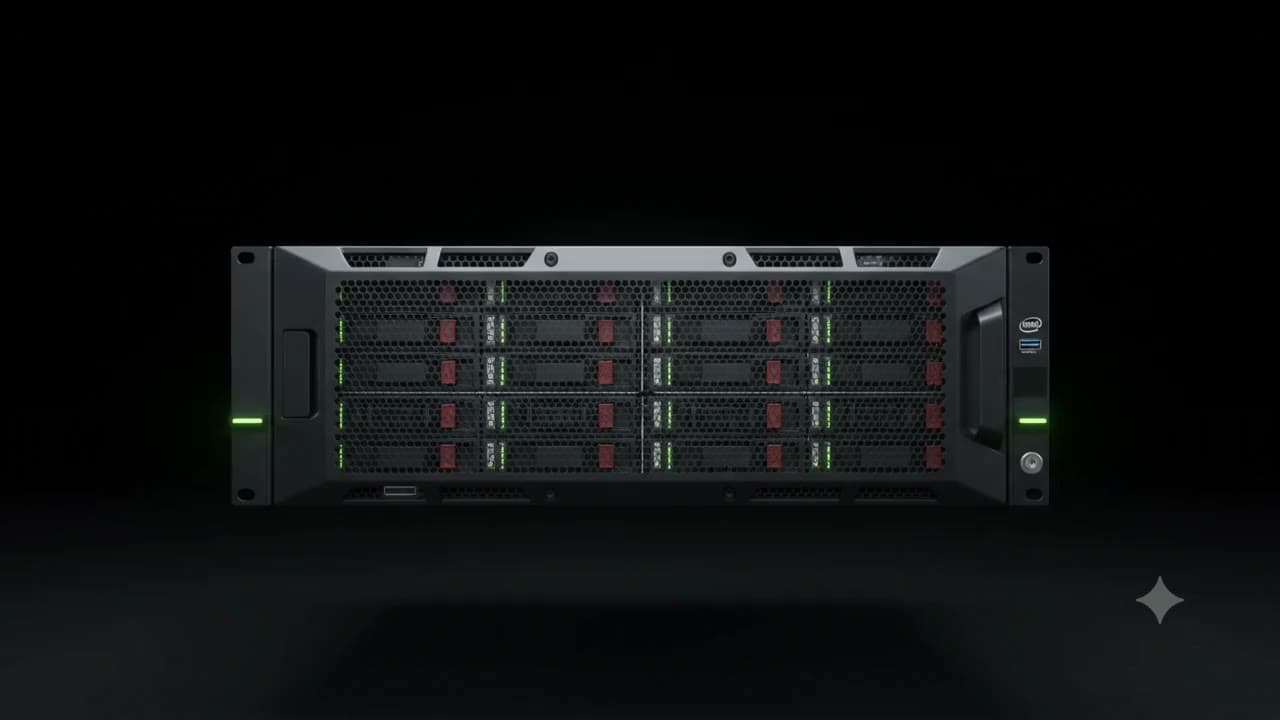
Technology you use, without owning the machine it runs on
Cloud services are technology hosted in a secure data centre and accessed over the internet. Instead of buying and maintaining your own hardware, your business rents those services - which are faster, more secure and always available.
In practice you are already using it. Email, file sharing, backups and hosted phone systems are all cloud services. The question is usually not whether to use the cloud, but how much of your environment still runs on a server you have to look after yourself.
What counts as a cloud service?
Select the ones you already use - nothing is saved or sent.
Tick the ones your business already uses
Most businesses are surprised by how many they land on.
Where “the cloud” physically lives
Centralised hosting
Servers, systems and data live in one professional location, purpose-built for the job.
Physical security
Controlled access and secure facilities protect the equipment your business depends on.
Power continuity
UPS systems, generators and backup power keep everything running through outages.
Internet connectivity
Fast, stable connectivity with redundant links, so one failure does not take you offline.
Environmental control
Cooling, airflow and fire protection keep hardware within the conditions it needs to survive.
Reliability and uptime
The entire facility is designed to minimise downtime and keep services available.
Scalability
Space and infrastructure to grow your IT environment without buying another server.
Simply put
Data centres make computing simple and stress free - someone else owns the power, the cooling, the connectivity and the risk.
Showing data centre conditions.
Where your data lives matters
Under POPIA, where your data is stored is not optional. Daisy data centres are chosen with compliance in mind. If you are on Microsoft 365 or other cloud services, data residency also affects your licensing and compliance posture. We factor this into every migration plan.
Everything we cover, under one agreement
MANAGED
IT SERVICES
One SLA · One Invoice
One IT Partner
We custom-build IT solutions to solve your business issues and give you complete peace of mind.
MANAGED IT SERVICES
One SLA · One Invoice · One IT Partner
IT & cybersecurity assessments
Know exactly where you stand before you spend anything.
- Full infrastructure audit
- Security gap analysis
- Prioritised remediation plan
User support packages
A helpdesk your staff can actually reach.
- Remote & onsite support
- Per-user monthly packages
- Onboarding & offboarding
Server support packages
Your servers watched, patched and backed up.
- Proactive monitoring
- Patching & updates
- Backup verification
Network support packages
The network behind everything, properly managed.
- Switching & Wi-Fi
- Performance monitoring
- Multi-site connectivity
Managed cloud environments
Cloud servers hosted, secured and maintained for you.
- Hosted virtual servers
- Microsoft 365 & Azure
- Cloud backup & recovery
Firewall & cybersecurity services
Enterprise-grade protection at the edge and endpoint.
- Managed firewalls
- Endpoint protection
- Threat monitoring
Full IT installations
New office or full refresh, installed end to end.
- Cabling & infrastructure
- Server & network build
- Migration and cutover
IT hardware
Supplied, configured and financed through one partner.
- Laptops, desktops & servers
- Tier-1 vendor partnerships
- Finance through DaisyFin
- 24/7 remote and onsite support
- Proactive monitoring and remediation
- Centralised NOC
- 40+ years’ experience
- Certified engineers
- Built for South African businesses
We custom-build IT solutions to solve your business issues and give you complete peace of mind.
What running your own server actually costs
Eight costs that stack up
Select any cost to see what sits behind it.
Electricity & cooling
from ~R4 200 / month
A server running 24/7 draws continuous power and needs continuous cooling. A 600W server adds roughly R1 200 a month, with 24/7 air-conditioning around R3 000 a month on top.
Indicative South African market costs for illustration, excluding VAT. Actual costs vary by specification, site and supplier.
One monthly amount
The same workload, hosted in a professional data centre and fully managed - with the entire cost stack on the left folded into a single predictable invoice.
- One predictable monthly amount, no surprise capital expenditure
- Power, cooling and backup power are the data centre’s problem, not yours
- Hardware refreshes happen without you buying a new server
- Licensing, backups and endpoint protection are bundled in
- Redundant connectivity built into the facility
- Monitored 24/7 by Daisy’s NOC, with support included
The honest version: cloud is not automatically cheaper line-for-line. What changes is that the cost becomes predictable, the maintenance stops being yours, and you stop absorbing a large capital purchase every few years.
Not every workload belongs in the cloud. Some systems stay more reliable, faster, or cheaper on-premise. The right answer is usually a mix: the workloads that benefit from the cloud move, and the rest stay put. Not the biggest footprint. The right one.
What changes for your business
Select any card for what this looks like in practice.
Is this you?
Select the ones that apply - nothing is saved or sent.
How it works
IT audit
A full assessment of your servers, network and endpoint security, so decisions are based on facts rather than guesswork.
Consolidate
We migrate legacy systems to the cloud and standardise your hardware fleet onto something maintainable.
Manage
24/7 proactive monitoring, helpdesk support and automated patch management from the Daisy NOC.
Let's look at your IT environment
Start with an assessment. We will map what you are running today, where the risks and costs sit, and what is worth changing - with no obligation to change anything.