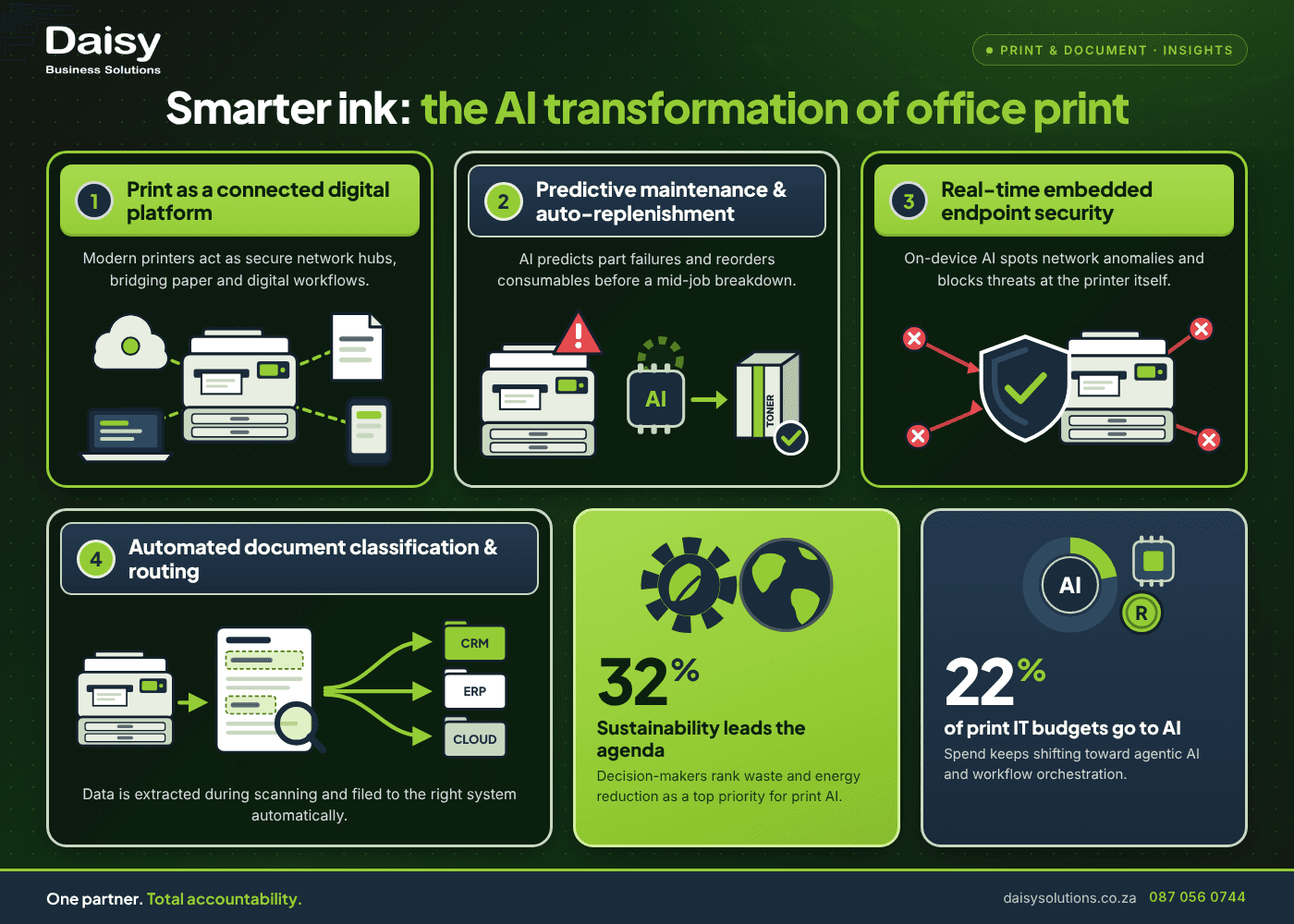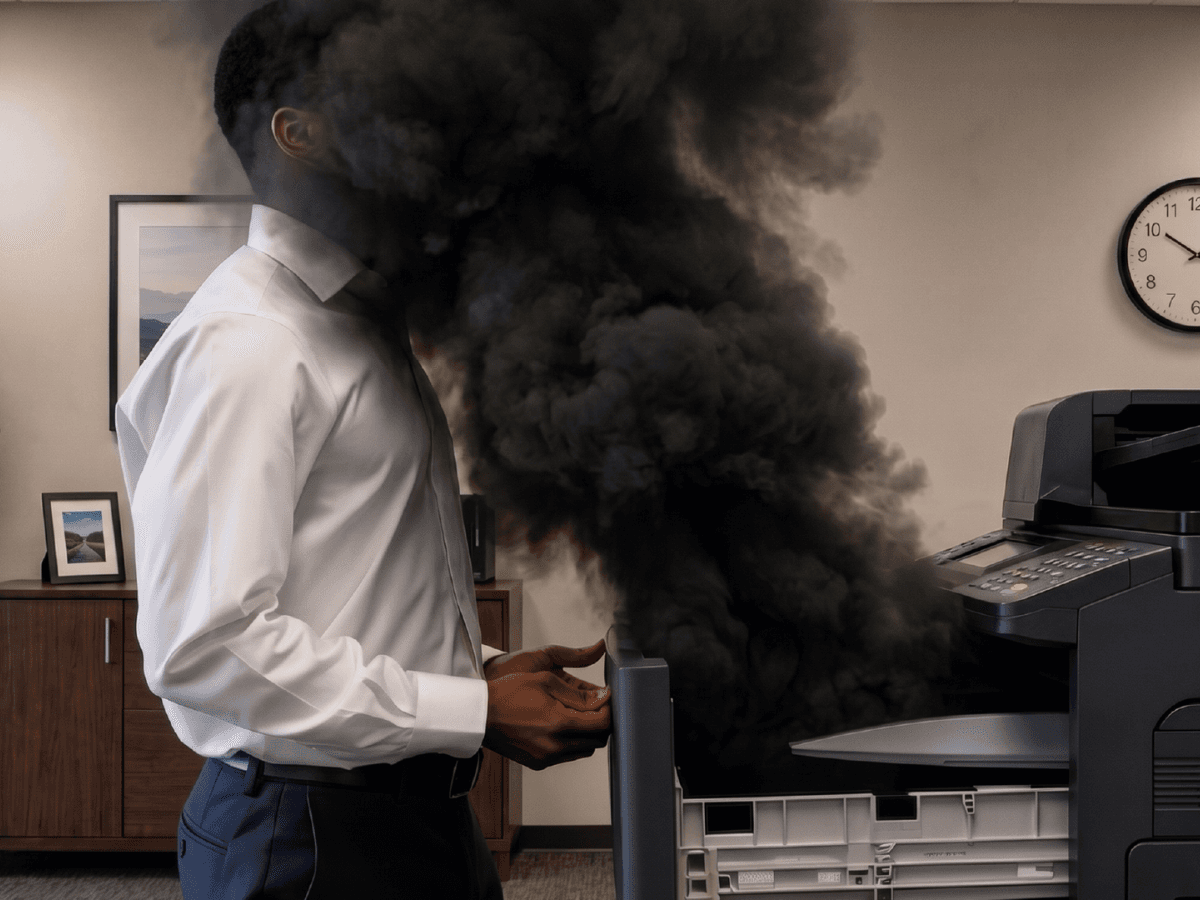
Hybrid, Not Paperless: Why the Modern Office Still Needs Print
The idea of a paperless office has been around for decades, but it never quite took off. Instead, most modern businesses operate with a mix of paper and digital processes, and hybrid setups have become more popular. Contracts still need to be printed and signed, delivery notes come back from sites, and accounts teams rely on their ERP systems.
This is not a failure of digital transformation; instead, it's what digital transformation looks like in a real South African business. And the device that holds the two together is the one most people overlook: the office printer.
Why "paperless" was always the wrong target
Going fully paperless only works if every customer, supplier and government department goes digital at the same pace your business does. Here's the thing: they won't. Suppliers still send printed invoices, customers are still expected to sign on paper, and some documents must be legally printed and kept as originals.
Chasing a completely paperless office can sometimes create more problems than it solves. Staff may end up taking photos of documents on their phones, emailing them to themselves and saving them wherever is convenient. Instead of making work easier, this can lead to scattered files and poor document management.
The goal shouldn't necessarily be to eliminate print. Find the right balance between paper and digital, ensuring documents are easy to access, manage, and share when needed. A better target is a hybrid office where paper moves cleanly into digital workflows at every stage.
What a multifunction device does in a digital workflow
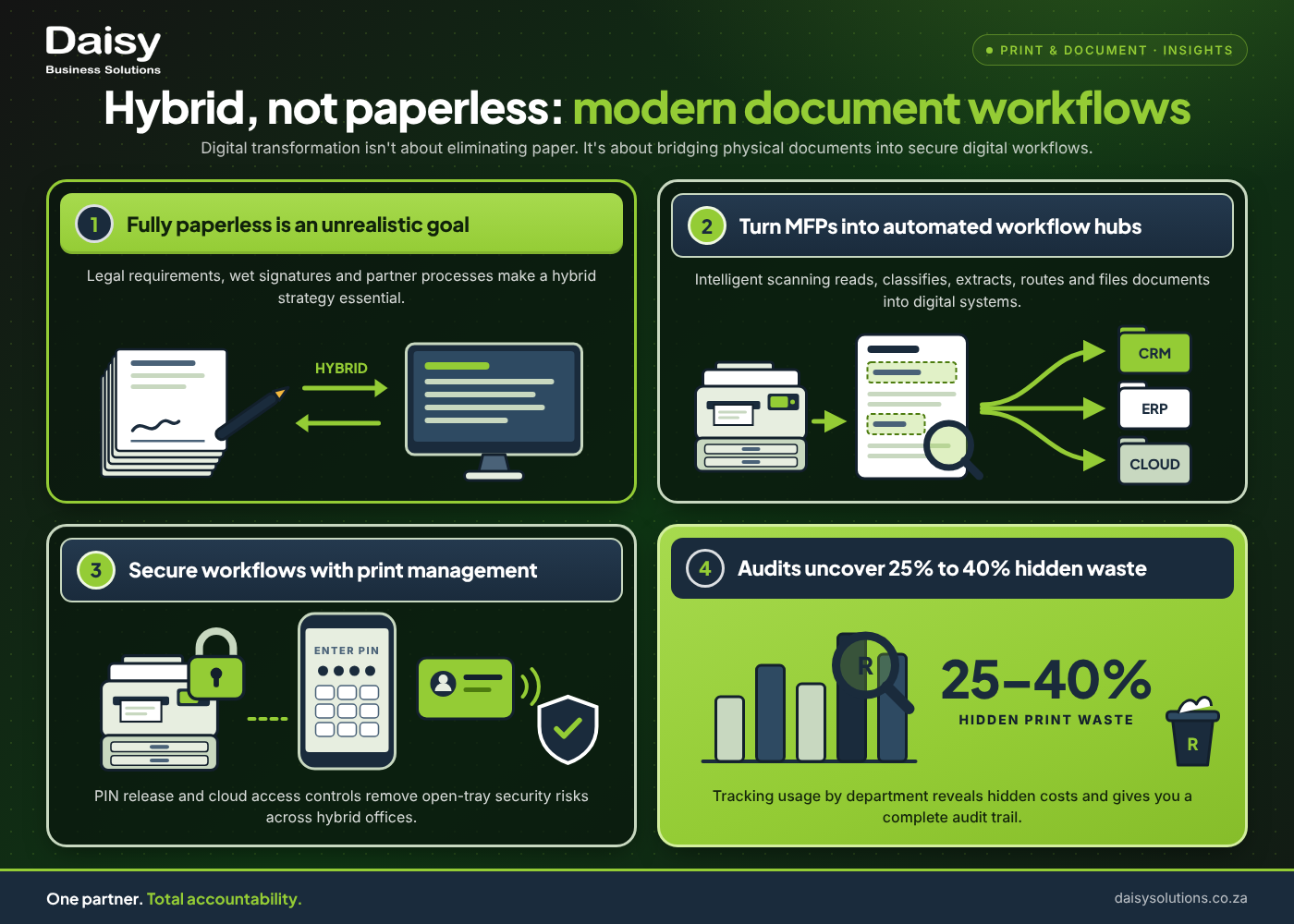
A modern multifunction printer (MFP) is less a printer than a front door for documents. Scan a stack of supplier invoices and the system can:
- Read them with OCR and classify each one automatically
- Pull out fields such as dates, amounts and supplier names
- Flag anything uncertain to be checked
- Send each invoice to the right approver, or match it to an order
- File it where anyone with the right access can find it
That's the difference between a scanner and a workflow. One gives you a PDF, while the other gives you a finished process.
Daisy's electronic document management works this way, with role-based access, encryption, retention schedules and audit logs built in. Most businesses go live in four to twelve weeks.
Where paper still wins (and where it shouldn't)
Paper still makes sense for signed originals, documents handed over to customers, and work on site where a screen is a hassle. Some people prefer to read long documents on paper, and that should remain an option.
On the other hand, paper shouldn't win where it creates risk or causes delay. Printing an email to be signed, scanned, and emailed back is a broken process. The same goes for printing payslips that sit in an open tray, or storing the only copy of a contract in a filing cabinet.
So, how do you know where paper wins? If paper is the right format for the moment, print it. If it's just a step between two digital systems, you can do without it.
Building a hybrid document process that doesn't leak
Hybrid only works if it's secure at both ends. Here are three things that make the difference:
- 1Secure print release. Print jobs are held until an authorised user releases them at the device with a card, PIN or other approved sign-in. Jobs nobody collects are deleted automatically, so nothing sits in the tray to be seen by the wrong people.
- 2Print management software. Daisy works with PaperCut, uniFLOW and Kofax ControlSuite, tools which report on print activity by user, department and device. This gives you a full audit trail for compliance and shows where the waste is. We estimate that cutting print waste alone can save 20% to 30%, and adding print policies can save 30% to 40%. These are illustrative ranges, not guaranteed savings; a print assessment gives the real figure for your business.
- 3Printing for remote and branch staff. Employees can print from phones, tablets and remote locations while following the same policies that apply in the office.
Treat your printers as part of your security, too. An MFP is a networked device, so it needs firmware updates and the same protection as your other endpoints. Our guide to enterprise security solutions shows where print fits into the wider security stack.
The bridge, not the bottleneck
Instead of choosing between paper or digital, consider whether your documents move cleanly between the two, or if issues occur somewhere in the middle.
As Canon's 2026 Business Partner of the Year, Daisy can help you work that out. Daisy has supplied print and document solutions in South Africa for more than 40 years, with 56 branches to support you.
We'll provide you with a no-obligation audit and a custom proposal based on how your business actually works.
Want to solve your Print & Document challenges?
Daisy provides end-to-end print & document solutions tailored for South African businesses. One SLA, one partner.
Justin Winderley
Justin Winderley writes on Print & Document for Daisy Business Solutions, the South African technology partner that connects, secures, powers and finances businesses under one SLA across eight divisions.