7 Office Security Checks to Run Before You Lock Up Each Night
Are you a business owner in South Africa looking to step up your security? The statistics on national workplace security are sobering, with commercial crime slowly becoming SA's most dangerous growth industry, according to a Daily Maverick article from March 2026.
Have you considered how prepared your company is if the worst should happen? Your business's locked front door means nothing if the office network is still wide open. Most "office security" advice belongs in one lane. Sometimes it highlights the need for alarms and CCTV, or publishes a piece on passwords and backups, leaving you to stitch the two together yourself. In practice, closing up for the day is one routine, not two, and it takes a few minutes once it is a habit.
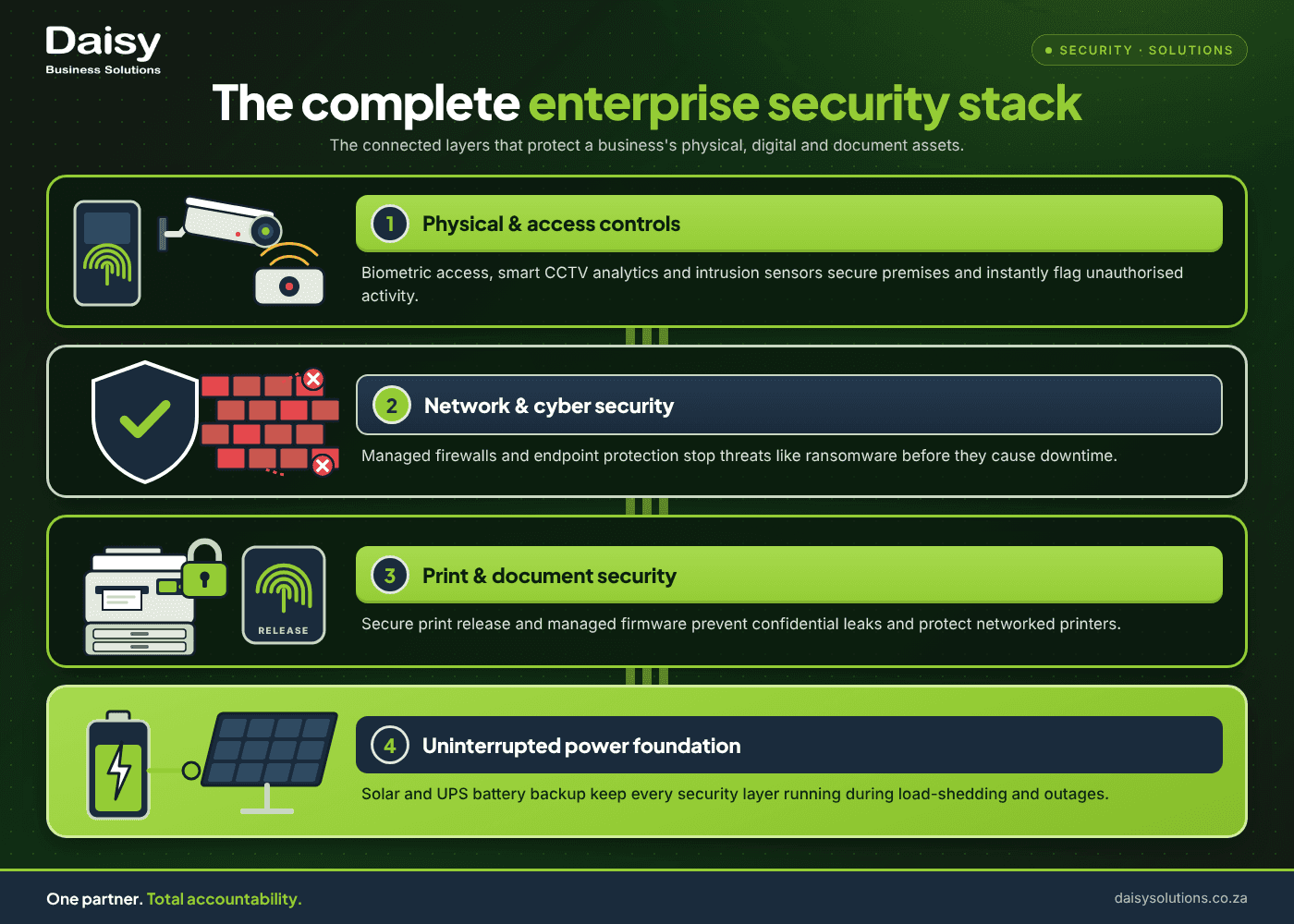
At Daisy Business Solutions, we're on the ground, installing and upgrading business security systems across the country. Our teams hear from clients first-hand about their struggles, which include staff safety, after-hours break-ins, protecting stock and equipment, and secure online practices. Here are seven checks worth running every night before you leave, split into the physical side and the digital side, with a note at the end on why they belong on the same list.
The physical checklist: doors, alarms, CCTV
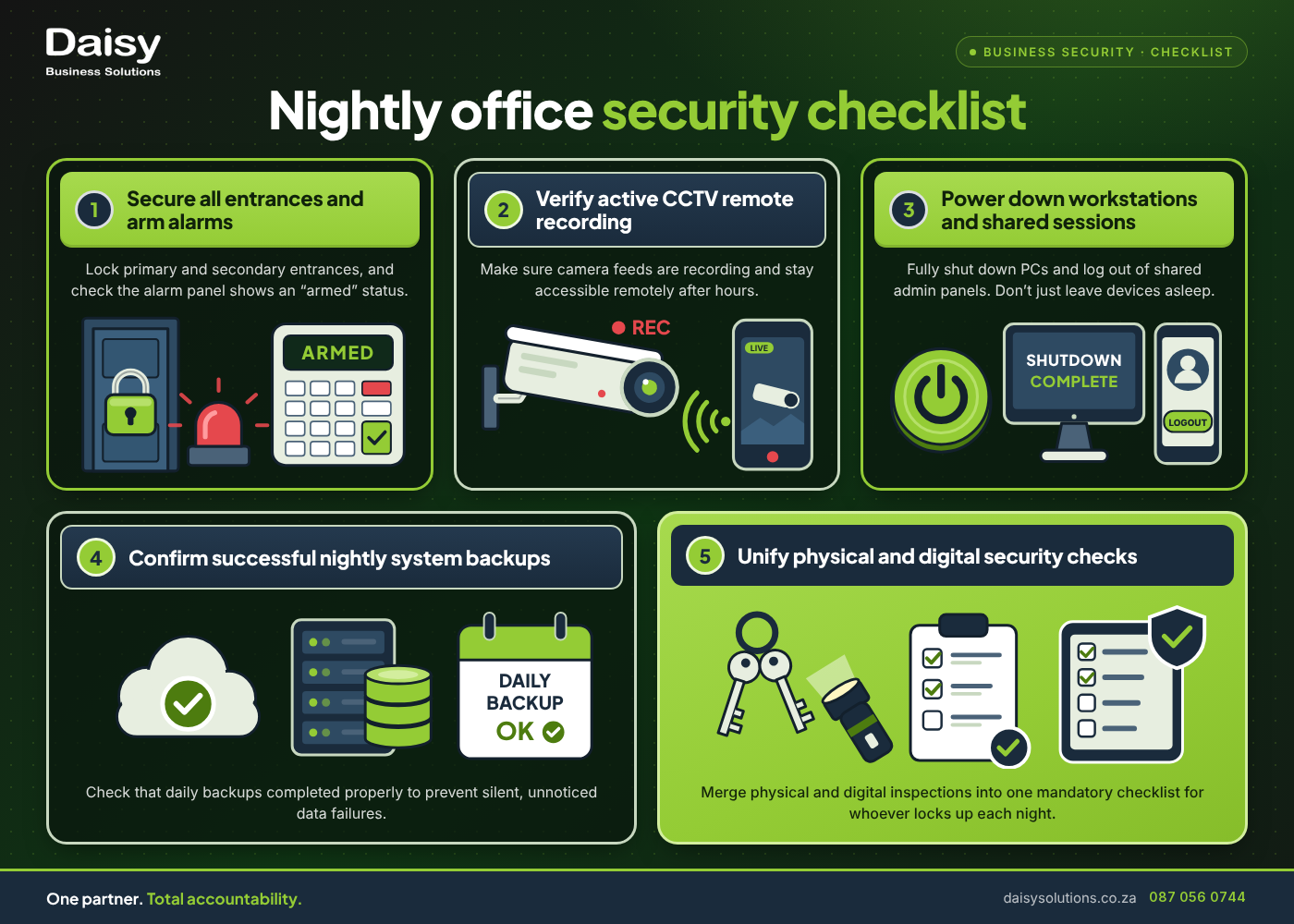
- 1Doors, windows and any secondary entrances are locked. Main entrances and front doors are usually top of mind. It's fire escapes, loading bays and side doors that get missed most of the time, especially on nights when more than one person leaves separately.
- 2The alarm system is armed and reporting correctly. Always confirm that the panel shows "armed", instead of assuming it is just because someone pressed the button. An alarm sensor left in bypass mode defeats the system without anyone noticing until it matters.
- 3CCTV cameras are recording, and the footage is accessible. Check that recordings are actually being written, not just that a live feed is on screen. In the event of a crime, you need to be able to pull footage remotely at any time: after hours, on the weekend, or over the holiday shutdown period.
- 4Keys, access cards and codes are accounted for. A shared drawer of spare keys, or a code that has not changed while countless staff members have come and gone, is a serious gap.
The digital checklist: devices, logins, backups
- 5Workstations are locked or powered down, not just asleep. A screen that is merely dimmed instead of properly shut down is still a logged-in session for anyone who gets past the physical checks above.
- 6Shared logins and open sessions are closed out. This covers everything from the accounting system on a shop-floor PC to the admin panel still signed in on a shared tablet. Also consider any remote-access sessions that need to be logged out of.
- 7Backups ran, and someone would know if they hadn't. If a backup job is silently failing for three weeks, it will only be discovered the day you need it. A planned nightly check (or an automated alert) closes that gap and holds someone accountable.
Why these two lists should be one routine, not two
Treating physical and digital security as separate jobs is how things get missed: the door gets checked every night out of habit, while the network side is assumed to be someone else's problem, or nobody's. A locked building with an unlocked network is still an open office. A secured network behind an unlocked fire escape is no better.
The fix? One short routine that covers both the physical and digital security checks. Whoever locks up automatically takes ownership of the checklist, ticking off every item on a list that everyone can see. By viewing your business security checks as one whole instead of several parts, you're covering all your bases without stretching your team too thin.
This is also where having a single security and managed IT partner pays off. When one provider manages your alarms, cameras and network monitoring, a gap on either side is flagged by a single team with a single number to call, rather than being lost between two suppliers who each assume the other has it covered.
Daisy Business Solutions offers comprehensive CCTV solutions for South African businesses, as well as intrusion detection and access control in the digital age. As we head towards the end of the year, check out our ultimate guide to festive season retail security.
Would you rather have someone check this list for you once and flag where the gaps lie? Daisy's assessment covers both the physical and digital sides of your setup.
Want to solve your Physical Security challenges?
Daisy provides end-to-end physical security solutions tailored for South African businesses. One SLA, one partner.

Sashveer Dheepnarain
Sashveer Dheepnarain writes on Physical Security for Daisy Business Solutions, the South African technology partner that connects, secures, powers and finances businesses under one SLA across eight divisions.