A Complete Guide To Printer Rentals For SA Businesses
2025-12-05 18:29:11
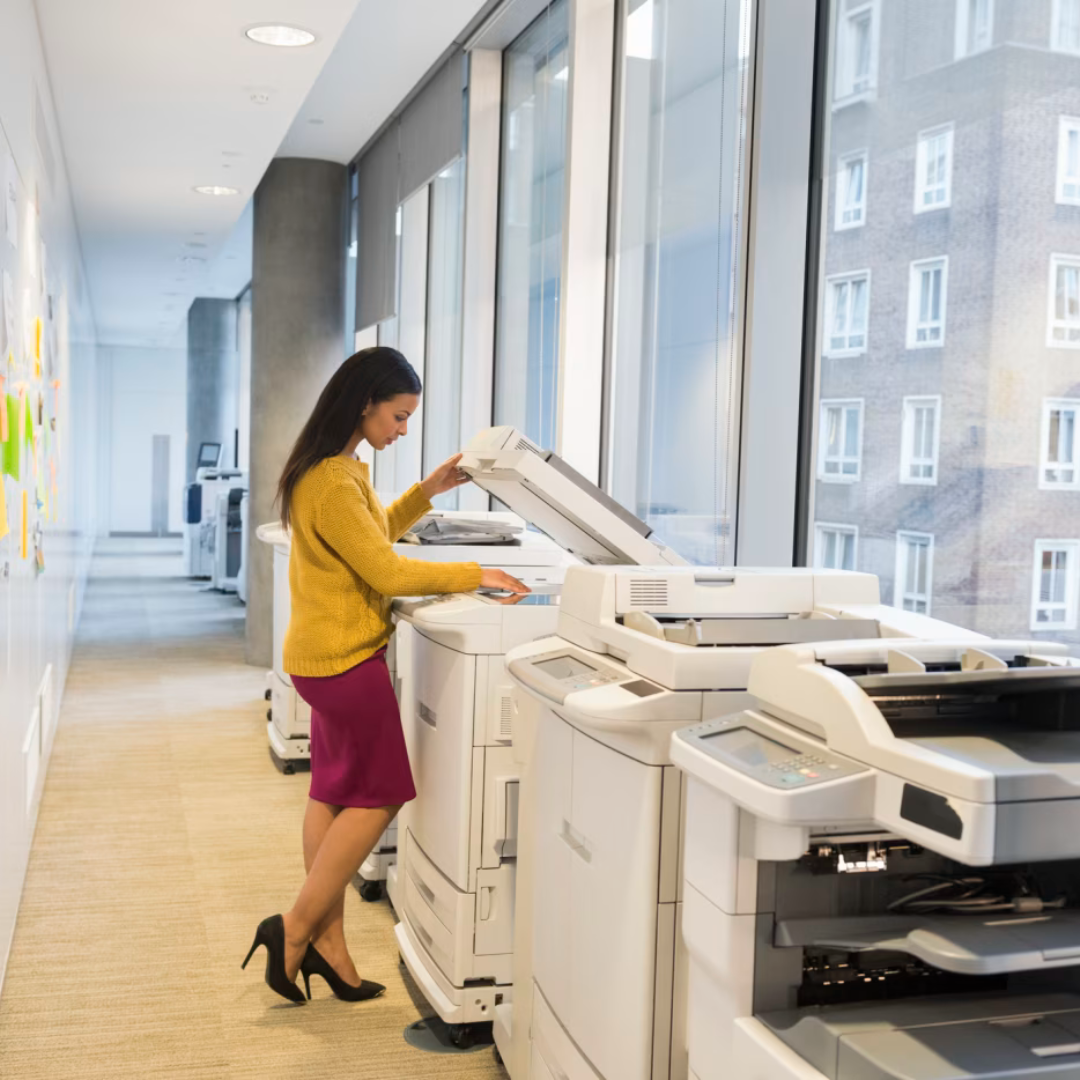
Printer rentals turn printing into a managed utility for South African businesses: you pay a monthly fee, get business-grade devices and support, and avoid high upfront costs.
South African businesses use printer rentals to turn big hardware purchases into predictable monthly costs, tie devices to strong service-level agreements (SLAs), and stay compliant with POPIA while keeping enough month-to-month flexibility for changing teams.
Printers sit behind invoices, payslips, contracts and delivery notes. When they fail or can’t keep up, approval chains stall, customer promises slip, and month-end turns into a scramble. For many South African SMEs, buying new hardware outright is not realistic. That’s where printer rentals and managed print models come in.
Daisy Business Solutions has been working with business printing environments in South Africa since 1985, growing into a national provider of print, connectivity, telecoms, IT, software, security and energy solutions for thousands of businesses. That day-to-day experience shapes how this guide explains printer rentals, the contracts behind them, and what works in real SME environments.
What Do Printer Rentals Do For South African SMEs?
If you only take a few points away, make it these:
- Turn hardware into an operating cost with predictable monthly fees instead of a big one-off capex.
- Tie devices to service levels, not just box sales, so downtime is measured and managed.
- Keep flexibility: month-to-month or shorter terms reduce lock-in and support fast-changing teams.
- Use print management tools to control who prints what, support POPIA, and cut waste.
- Treat printers as a fleet across all sites, not isolated devices, so finance and IT can see the full picture.
The rest of this guide unpacks how to get those benefits with the least risk.
Why Do Printer Rentals Matter Right Now?
Between rising input costs, load-shedding mitigation spend and pressure on working capital, many SMEs are re-checking every long-term contract. At the same time, print volumes and locations have shifted: more remote users, more digitisation, but still a need for secure, dependable output.
SMEs are a huge part of South Africa’s economy and employment base, yet cash-flow constraints and late customer payments remain leading reasons for business distress.
Turning unpredictable print capex and ad-hoc break/fix bills into a known monthly operating expense gives finance teams one less variable to worry about.
Modern printer rental models respond to three common weaknesses Daisy sees across South African fleets:
- Overworked “hero” devices carrying critical processes like payroll or dispatch on their own.
- Ad-hoc purchasing, where every branch picks its own device, creates a mix of models that are hard to support.
- Contracts focused on speeds and feeds, not on uptime targets, response times and data security.
Rentals, when combined with managed print services, are designed to fix those gaps by combining hardware, service, software and reporting in a single, measurable model.
What Does “Printer Rental” Actually Mean? (And How It Differs From Leasing?)
On paper, “rental”, “lease”, and “managed print” are often used interchangeably. In practice:
- Printer Rentals: You pay a monthly fee for the device, usually with maintenance and a page allowance or cost-per-copy added. Terms can be short or even month-to-month.
- Leases: Typically longer-term finance agreements for hardware, sometimes paired with separate service contracts.
- Managed Print Services (MPS): A broader layer over rentals or leases that handles monitoring, toner fulfilment, support and reporting across your entire fleet.
In reality, a good SME setup often combines all three: financed devices, service SLAs and centralised fleet management.
A simple way to compare your options:
|
Option |
What you pay for |
Best when… |
|
Rental |
Use of device + service + pages per month |
You want flexibility and bundled support |
|
Lease |
Finance on device (service may be separate) |
You’re standardising on specific hardware for longer |
|
Outright purchase |
Once-off capex for device, service billed separately |
You have cash, stable needs and strong internal support |
For a broad overview of how rentals and managed print fit together in South Africa, read A Comprehensive Guide to Office Printer Rentals & Managed Print Services
If you need definitions and SLA mechanics in more detail, explaining uptime targets, response times, loan units and cost-per-copy models in depth, read Guide to Printer Fleet SLAs in South Africa
How Does Daisy Typically Structure a Rental Fleet? (Experience in Action)
Because Daisy’s core business includes mono and colour printers, multifunction devices, wide-format printers, refurbished options and Month2Month rentals, the team sees a wide range of real-world fleets every week.
A typical SME pattern looks like:
- Head Office: A few high-volume multifunction devices on rental, covered by an SLA, supported by print management software for secure release printing, chargeback and usage reporting.
- Branches or Warehouses: Rugged, smaller devices close to users, with automated toner alerts and remote monitoring because there’s no on-site IT.
- Special Projects: Short-term access to wide-format or specialist devices through flexible rental or by pairing with Daisy’s wide-format offering rather than buying hardware that will sit idle after the project.
Across those environments, the print team’s focus is simple: less downtime, fewer surprise bills, better visibility for finance and IT.
For a foundational explainer, showing how monitoring, governance and SLAs work together, read The Basics of Understanding Printer Fleet Management.
Enquire about flexible month-to-month printer rentals from Daisy
What Do Finance Teams Need to Know About Printer Rentals And Cash Flow?
From a finance perspective, the appeal of rentals is straightforward: you avoid large upfront purchases and convert print hardware into a recurring operating expense. That aligns with the general tax principle that depreciation or wear-and-tear allowances apply to owned assets, while rentals are usually treated as deductible operating costs under normal trading conditions. Your tax advisor will confirm how this applies in your specific case.
Two practical points for South African SMEs:
- Talk to your tax practitioner or accountant. SARS publishes detailed guidance on wear-and-tear allowances and asset treatment; your advisor can apply those rules to your printers and any bundled rental agreements.
- Line contracts up with asset life. Avoid paying for a device long after its useful life in your environment. This is where flexible month-to-month or shorter-term agreements help, especially when paired with clear upgrade paths.
Daisy’s own view on this is unpacked in 7 Reasons Why Month-to-Month Printer Rentals Are The Smart Business Choice, which dives deeper into how flexible terms support cash-flow and budgeting, and in the Month2Month Printer Rentals landing page.
Local Compliance, POPIA and Data on Printed Pages
Printers handle some of the most sensitive information in an organisation, including HR files, payroll, customer contracts and internal reports.
In South Africa, the Protection of Personal Information Act (POPIA) sets minimum conditions for processing personal information and is enforced by the Information Regulator.
A robust printer rental and managed print setup should support your POPIA efforts by:
- Enabling user authentication and secure print release so documents do not sit unclaimed on trays.
- Providing audit trails on who printed, copied or scanned what, and when.
- Ensuring built-in disk encryption or secure erasure when devices are redeployed or retired.
- Using clear contracts that define how service providers handle data during service calls, device swaps and disposal.
For policy details, your legal or compliance team may want to review the Information Regulator’s POPIA resources alongside your internal policies. As a benchmark, you can also look at how providers document their own practices – for example, Daisy’s Group Privacy Policy & PAIA Manual.
How To Choose The Right Printer Rental Setup (Step-by-Step)
1. Map Your Real-World Printing
Before looking at pricing, list:
- Sites and departments.
- Volumes (even if only estimates from meter reads).
- Typical documents: labels, invoices, payslips, marketing, plans, etc.
- Where breakdowns hurt most (for example, payroll days or dispatch cut-off times).
This is exactly how Daisy’s print teams start a Print Fleet Assessment before making recommendations.
2. Decide On Device Mix And Locations
Use that map to decide:
- Where you need robust multifunction devices.
- Where a compact desktop printer is enough.
- Where wide-format or specialised devices should live.
Daisy Print outlines the main categories: mono and colour A3/A4, multifunction, wide-format, refurbished and more.
3. Evaluate Contract Length And SLA Detail
This is where many SMEs get caught.
Look for:
- Contract length and renewal rules (including automatic roll-overs).
- Response and resolution times, and how they’re measured.
- Loan-unit commitments when devices are down.
- Clear definitions of what is included in the monthly fee (toner, parts, labour, remote support).
- Exit options when you downscale, move offices or restructure.
Daisy’s SLA content can help you double-check the fine print in any provider’s contract.
Read: A Complete Guide to Understanding Service Level Agreements (SLAs)
Tip: Ask your provider to give you a simple Excel-based fleet calculator that turns per-page and rental charges into a per-site or per-user view. It’s an easy way to compare scenarios without needing a formal “tool” on your side.
4. Add Software And Analytics Where They Genuinely Help
Print management tools help you:
- Track usage by user, department or cost centre.
- Apply sensible rules (default to mono, hold large jobs outside peak hours).
- Reduce waste and support sustainability goals.
- Spot sites or devices with unusual spikes before they become cost problems.
Daisy’s articles on print software show how these tools are used in practice:
Read: Print Software for Sustainable & Eco-friendly Business Operations
Read: Choose the Right Print Management Software for Your Business
Smart devices and AI-enabled printers are already common in many fleets.
Explore what they can do without locking you into hype.
Read: Smart Printers: AI and IoT in the World of Office Printing
5. Pilot, Measure, Then Scale
Instead of replacing everything at once:
- Pick a representative site.
- Deploy the new rental model and SLAs.
- Track downtime, ticket volumes, user feedback and actual costs.
- Compare results against your old model.
Daisy often combines this with content-led education: guides, checklists and quick explainer videos.
Watch: How Month-to-Month Printer Rentals Can Help Your Business
Help internal stakeholders understand what’s changing and why. Once you’re confident the model works, you can replicate it across sites with small adjustments per location.
Watch: Month-to-Month Printer Rentals vs Contract Printer Rentals
How Do Rentals Play Out In Real Businesses? (Sector Snapshots)
Drawing from Daisy implementations across South Africa, some common patterns emerge:
Professional Services And Finance
- Heavy reliance on secure, high-quality output for financial statements, contracts and client packs.
- Rentals paired with strict SLAs, secure release printing and detailed chargeback by department.
- Encryption and access control on devices are non-negotiable because of audit and POPIA requirements.
Retail, Logistics And Distribution
- Mix of label printers, A4 devices and back-office multifunction machines.
- Priority is uptime and standardisation across sites rather than absolute print quality.
- Remote monitoring and auto-toner fulfilment are critical because local staff are focused on operations, not devices.
Design, Engineering And Construction
- Wide-format output for plans and proofs, with colour accuracy for client-facing work.
- Short-term large format printer rentals are often used for project phases rather than permanent purchases.
- Combining a few high-spec devices with standard A3/A4 rentals keeps project teams agile without overspending.
In all three, the same lesson shows up: the contract and the service model matter more than the headline device spec sheet.
Bringing It Together
Printer rentals are no longer just about spreading the cost of a device. When they’re tied to clear SLAs, print management software and sound governance, they become a stable utility that quietly supports your operations.
If you’re ready to review your fleet, a simple next step is to compare your current contracts and devices with the patterns in this guide and in Daisy’s print content hub at Daisy’s Print Solutions.
From there, you can work with your preferred provider – Daisy or otherwise – to design a rental model that matches your sites, your people and South Africa’s realities.
Enquire about flexible printer rental solutions from Daisy.
FAQs – Fast Answers For Common Printer Rental Questions
What is a printer rental service for businesses?
A printer rental lets a business use office printers or copiers for a fixed monthly fee instead of buying them. The provider supplies the device and usually handles maintenance, parts and toner. It turns printing into an operating expense and can scale up or down as needs change.
Why choose month-to-month printer rentals over buying devices outright?
Month-to-month rentals avoid large upfront capex, keep you out of long contracts and make it easier to upgrade devices. They help if your headcount or print needs change often, or if you want to test a provider before committing to a longer managed print agreement.
How do managed print services support printer rentals and fleet management?
Managed print services remotely monitor devices, automate meter reads and toner delivery, and provide a helpdesk and technicians. For rental fleets, this means fewer outages, faster fault resolution and clearer reporting on volumes and costs, so you can right-size devices and spot problem sites early.
How do printer rentals impact cash flow for South African SMEs?
Rentals spread printer costs into predictable monthly payments instead of one-time purchases. This can smooth cash flow, protect working capital and align costs to actual usage, especially when maintenance and consumables are bundled. For tax specifics, SMEs should check SARS guidance and consult a registered tax practitioner.
What should a South African SME look for in a printer rental SLA or contract?
Key checks include contract length, notice periods, what’s included in the monthly fee, response and repair times, loan-unit commitments, end-of-term options and clear responsibilities for damage or misuse. SMEs should also confirm data-handling practices and POPIA-aligned security controls.
Can I mix owned, leased and rented printers in one fleet?
Yes. Many SMEs run a hybrid model: a few strategic devices are owned or on long-term lease, while the rest of the fleet sits on rentals or Month2Month contracts. The important part is that your MPS layer, monitoring and SLAs cover all devices so finance and IT see one coherent picture.
Glossary: Key Printer Rental Terms In Plain English
- Printer rental: Paying a monthly fee to use a printer, often including service and a page allowance.
- Lease: A finance agreement for the hardware itself, usually over a fixed term.
- Managed print services (MPS): A service layer that monitors devices, automates toner, and provides support and reporting across the fleet.
- Cost-per-copy (CPC): A charge per printed page, often different for mono vs colour prints.
- Page allowance: A set number of pages included in your fee each month before overage rates apply.
- SLA (service level agreement): The document that defines response times, uptime targets and what is included in your service.
- POPIA: South Africa’s Protection of Personal Information Act, which sets rules for handling personal data.
- Print Fleet Assessment: A structured review of your sites, devices, volumes and contracts to highlight risks and optimisation opportunities.
Key Takeaways For South African Companies:
- Treat printers as a single, governed fleet, not scattered stand-alone devices.
- Choose rental terms that match how long you’ll realistically keep each device.
- Build POPIA, data security and exit options into your rental contracts, not as afterthoughts.
- Use software, reporting and simple cost calculators to keep an honest view of usage and spend.
- Pilot changes on one site, measure the impact, then scale with confidence.
Resources: